{Disarmed} This is how the Xiaomi Mi Curved Gaming Monitor 34 is calibrated like a professional
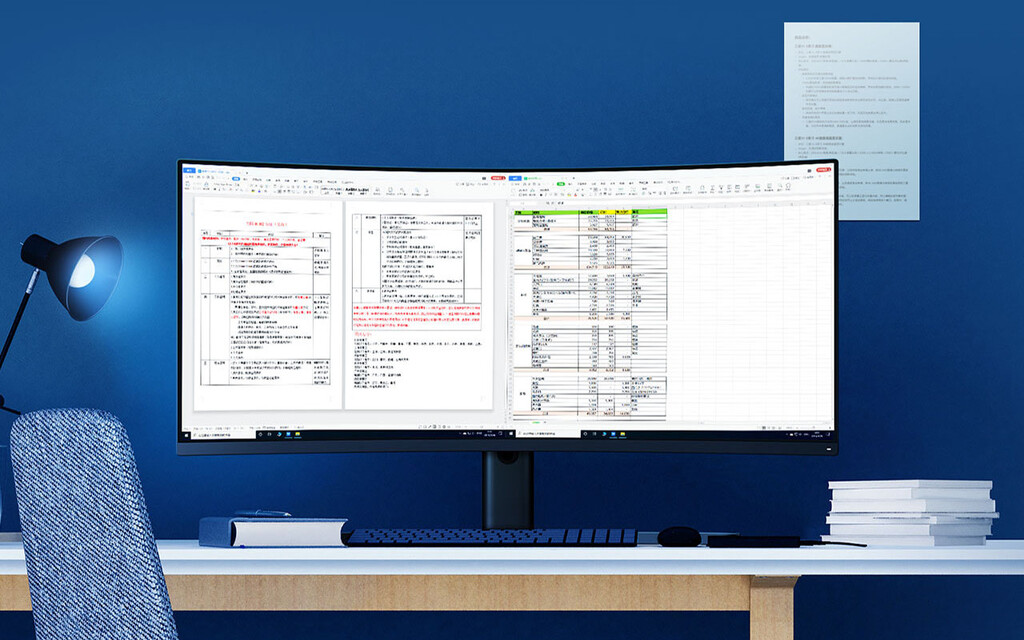
The Mi Curved Gaming Monitor is Xiaomi's most ambitious monitor, a 34-inch 'ultrawide' widescreen panel (with the usual 21: 9 aspect ratio) and a 1500R curvature ratio .
However, calibrating a curved monitor requires some skill . Let's not kid ourselves: to get the best visual experience we must be right in front of it, in the absolute center, something that we can avoid to a greater or lesser extent before a flat monitor. In this article we give you some tips to adjust and calibrate this coveted monitor.
Calibrate from the bottom

Curved monitors have gotten a bad name due to light bleeding towards the upper corners, showing greater intensity in the lower frame and the entire front section.
If we take a look at the basic specifications of the Mi Curved Gaming Monitor, we find mid-high range figures: 4K resolution, peak brightness of 300 nits -something more in practice, as we will see- , capable of covering 121% of the sRGB color space, 85% NTSC, VESA support, AMD Freesync compatibility, and a 144Hz refresh rate - although it will be restricted to 100Hz if your cable is 1.4 DP - and 4ms maximum response time. The connectivity also does not lack anything: two HDMI, two DisplayPort and two USB, in addition to the headphone input. Nothing bad.

The result, in short, is very satisfactory. But it is no less true that the factory calibration leaves something to be desired , resulting in a flat and somewhat cold color. To avoid this we will start with the calibration of the monitor itself, without paying attention to the color profiles.
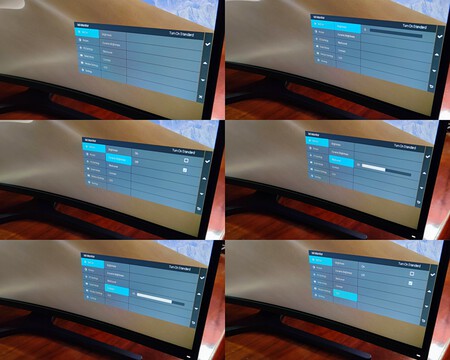
After several tests and controls of color depth and light intensity, below we show the settings of our favorite profile:
- Brightness : 60. The brightness on curved monitors is uneven and depends on the lighting in the room; a value between 45 and 65 is the most "organic".
- Dynamic Lum (dynamic lighting): Off, it should always be turned off as it can generate visual artifacts in some scenes.
- Black Level (black level): 10, the lower we will perceive the less "whiteness". A value of 10 is ideal for vivid, yet subtly artificial, contrast.
- Contrast (contrast): 75 (we reinforce the contrast slightly).
- DCR (dynamic contrast ratio): Off, it should not be kept active since in certain color and scene profiles they can generate visual artifacts.
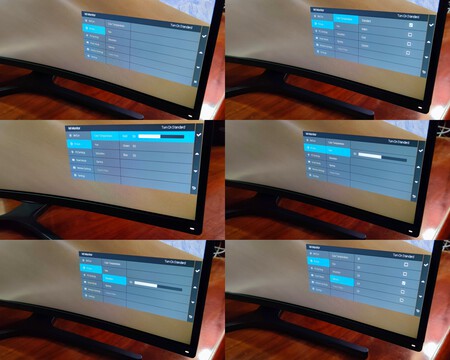
- Color Temperature : in this section we go down to 'Custom' and modify the nominal values from 50/50/50 for Red to 49, Green to 48 and Blue to 50. Due to the blue light filter, this is a monitor something warm and should "cool down".
- Hue (hue): 50, average.
- Saturation (saturation): 51, just the right spot to give an extra life above the average to our perception of color.
- Gamma : 2.2, in the usual white point of this type of monitors. Its white point, by the way, is very close to D65, at 6,479 points . Profile 2.6 also tends to give good results if we raise the green and blue levels.
- Aspect ratio : it depends on your use and need. If the monitor will be used as the main panel, it should be activated in 'Full', that is, in full screen, taking advantage of its entire width.
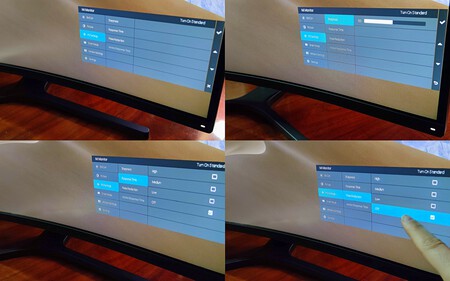
- Sharpness : 50, average. This image smoothing tool (creating more subtle color gradations) increases response latency and, with it, our perception of fluidity.
- Response time : off, that is, off.
- Noise reduction : Off. Processing systems to avoid Gaussian noise requires a plane-to-plane composition that increases input lag.
- Motion response time : off, since we will appreciate changes depending on what console or equipment it is connected to. If we force the response time to 1 ms (1/1000 per second, four times faster than the nominal 4 ms, although still barely noticeable) we will achieve the opposite effect, an extra latency.
However, in the final configurations, we must keep the FreeSync Premium function active, since we will enjoy greater image fluidity without it being penalized in terms of quality. You will find this feature in Settings> FreeSync Premium.
Step 2: calibrate the color profile
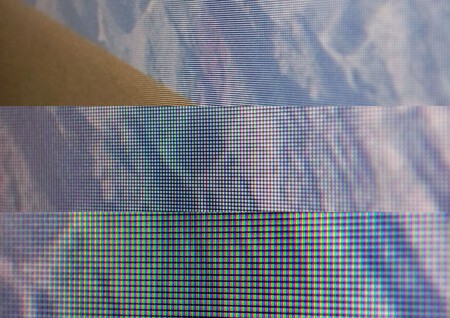
Once the profile of the monitor itself has been adjusted, now we are going to create a color profile, using software, adjusted to its capabilities. For this we have used DisplayCAL and the Argyll color calibration tool.

This is the most "subjective" section of the calibration, since it is subject to the perception of color and tastes of each user - although we share some reference values, no two people see all color gradations exactly the same. So well, we have opted for a somewhat conservative and flat calibration.
Based on a profile found on Reddit and calibrated using the popular Eye-One Display 2 , from this link you can download the volume and gamut coverage that best suits the monitor's capabilities.
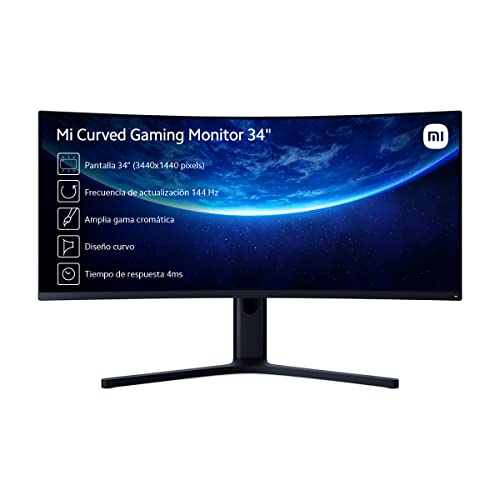
Xiaomi Mi Curved Gaming Monitor 34 "GL WQHD (3440x1440, 21: 9, HDMI 2.2x2, DisplayPort 1.4x2, Height and Rotation Adjustable, 4ms, 144Hz, AMD FreeSync) Black
-
The news This is how the Xiaomi Mi Curved Gaming Monitor 34 is calibrated like a professional was originally published on xiaomist by Isra Fdez .


"From this link you will be able to download...." And where is the link?
ReplyDeleteIts an article ripped from another website.
DeleteThis is the file: https://drive.google.com/file/d/1jt7x4sgvx9mt8rN5zN1onQkKUMaoA1-1/view
And this is the original article:
https://www.mundoxiaomi.com/tutoriales/asi-se-calibra-xiaomi-mi-curved-gaming-monitor-34-como-profesional